Each run deletes at most **50** documents. If more documents are eligible, the remaining ones are deleted in the following runs — with the default schedule of two runs a day, that is up to 100 documents per day.
The job's identifier is stored in the **Cleanup Job GUID** field on Core Setup. [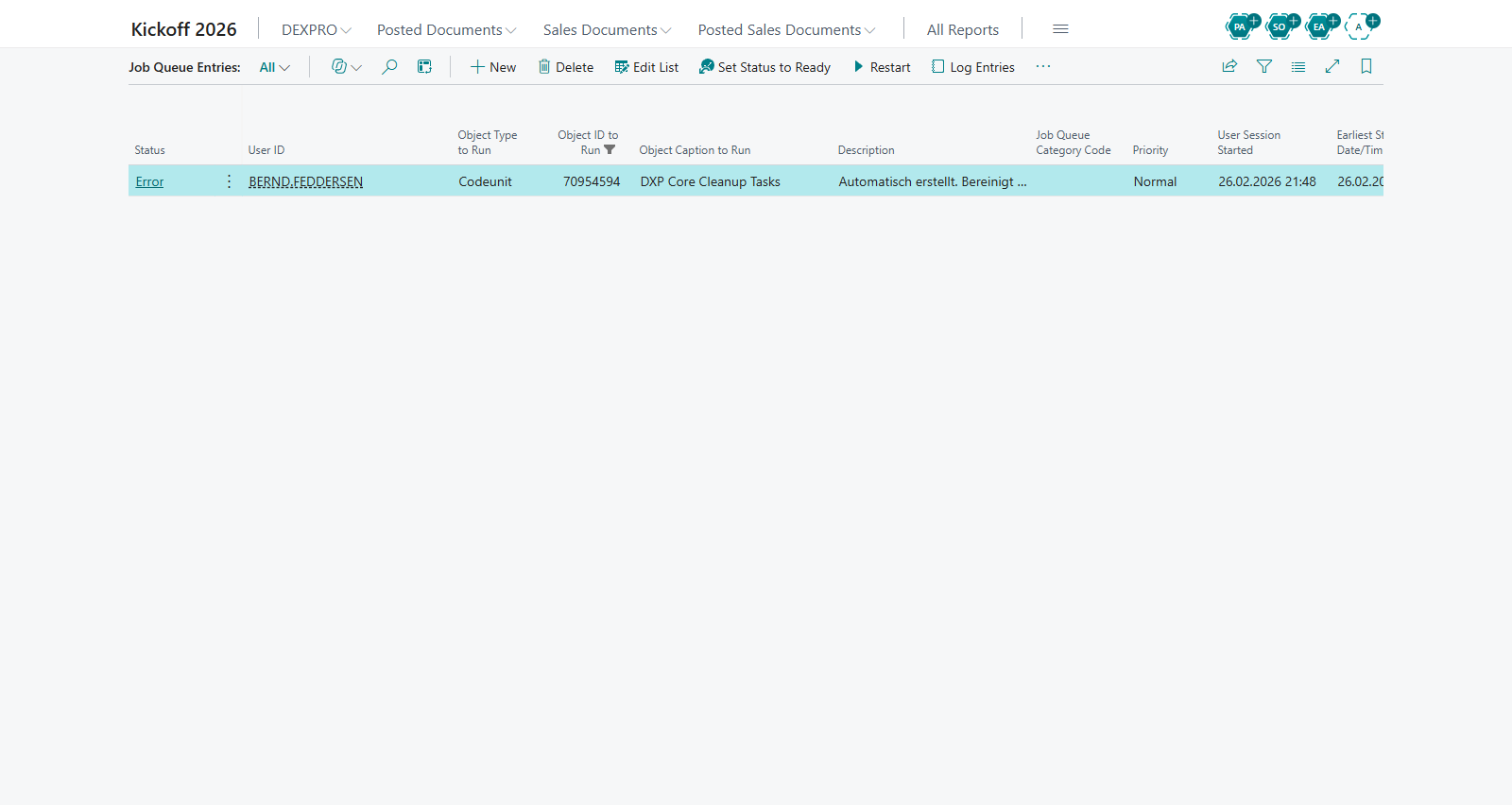](https://docs.squeeze.one/uploads/images/gallery/2026-11/job-queue-entries.png) ## (Re)creating the job If the job was removed, or if it was never created because of missing permissions, you can recreate it: - Open **Core Setup**. - Choose the **Create Jobs** action. - Core creates the recurring cleanup Job Queue Entry with the schedule above. ## Adjusting how long documents are kept Change the **Cleanup Interval** DateFormula on Core Setup to keep documents for a different period. For example, **-2M** keeps two months of completed documents before they are eligible for deletion. ## Permissions Creating and running Job Queue Entries requires the standard Business Central **Job Queue** permissions, in addition to the DEXPRO Core permission set. ## TroubleshootingIf the user initializing Core Setup lacks Job Queue permission, Core shows a message and does not create the cleanup job. Have an administrator with Job Queue permission open Core Setup and run **Create Jobs**.
Only documents in **Deleted**, **Closed**, or **Cancelled** status are removed. Documents in other statuses are never deleted by the cleanup job, regardless of age.
## Related features - Core Setup - Core Documents