File Viewer Setup Wizard
The File Viewer Setup Wizard is an assisted, multi-step guide that configures the File Viewer (SharePoint document preview) end to end. It collects the Microsoft Entra ID credentials, tests the connection to Microsoft Graph, sets the SharePoint site, and finally activates the viewer.
Launch it from the Core Setup card with the Setup File Viewer action.
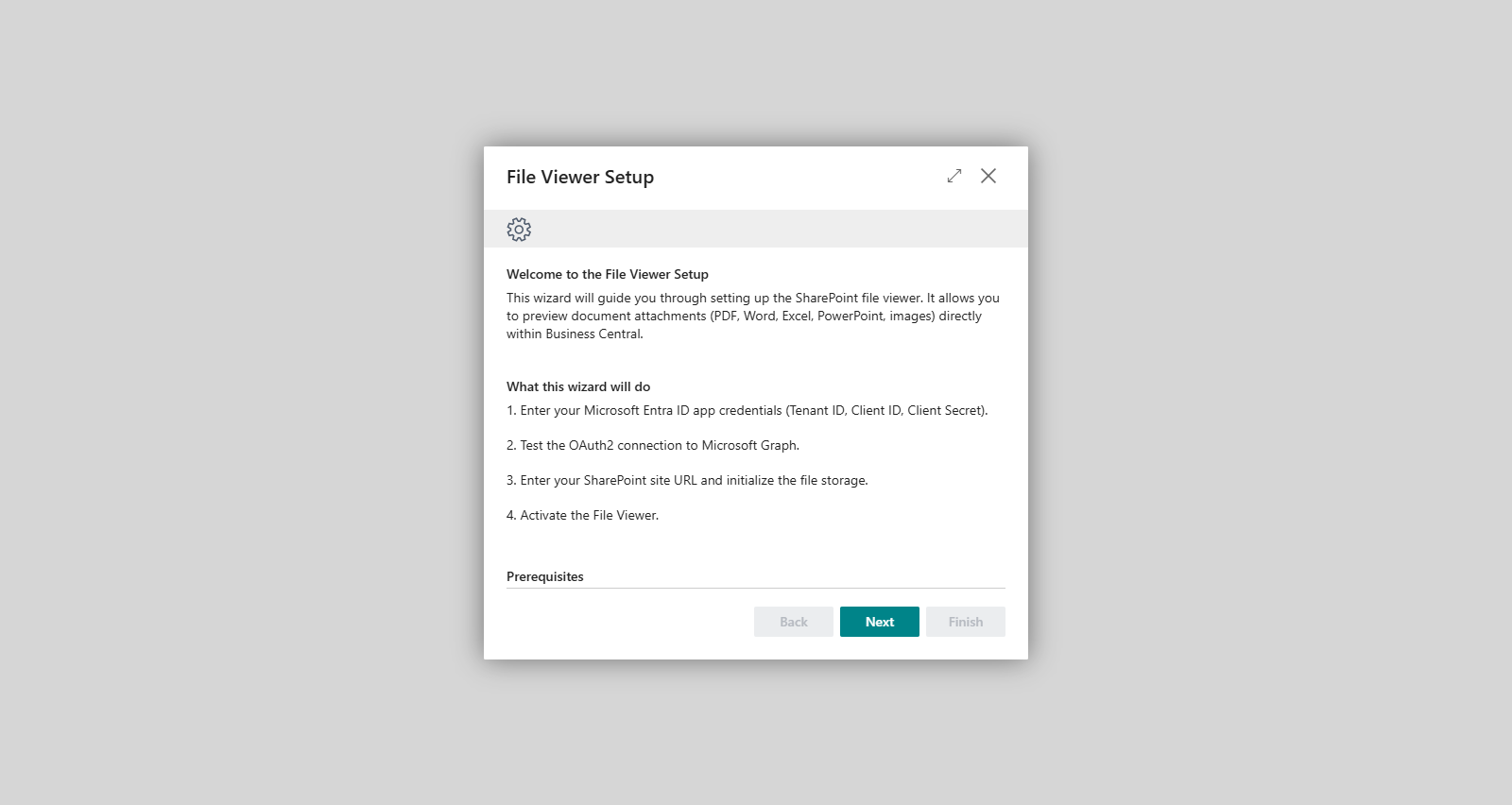
Steps
- Welcome — introduces the wizard and what it will configure.
- Credentials — enter the Tenant ID, Client ID, and Client Secret of your Microsoft Entra ID app registration. A link to the Azure Portal is provided to help you find or create these values.
- Connection Test — the wizard performs an OAuth 2.0 authentication against Microsoft Graph. While it runs you see Testing connection...; on success it shows Connection test successful. Access token retrieved from Microsoft Graph. (green), and on failure Connection test failed. (red).
- SharePoint — enter the SharePoint Site URL and initialize the storage that will hold the previewed files.
- Done — completing this step activates the File Viewer.
Usage (step by step)
- Open Core Setup and choose Setup File Viewer.
- On the Welcome step, choose Next.
- On the Credentials step, fill in the Tenant ID, Client ID, and Client Secret. Use the Azure Portal link if you need to look up the values.
- On the Connection Test step, run the test and confirm you see Connection test successful. before continuing.
- On the SharePoint step, enter the SharePoint Site URL and initialize storage.
- On the Done step, finish the wizard to activate the File Viewer.
Validation messages
- "Please fill in all three fields: Tenant ID, Client ID, and Client Secret." — shown on the Credentials step if the Tenant ID, Client ID, or Client Secret is missing.
- "Please enter a SharePoint Site URL." — shown on the SharePoint step if the site URL is empty.
If you see Connection test failed., re-check the credentials on the previous step and the Microsoft Graph permissions granted to the app registration, then test again.
Prerequisites
- A Microsoft Entra ID app registration (Tenant ID, Client ID, Client Secret) with the required Microsoft Graph permissions.
- A SharePoint site to store the previewed files.
Related features
- File Viewer
- Core Setup
- OAuth 2.0 and OpenID Setup