User Settings
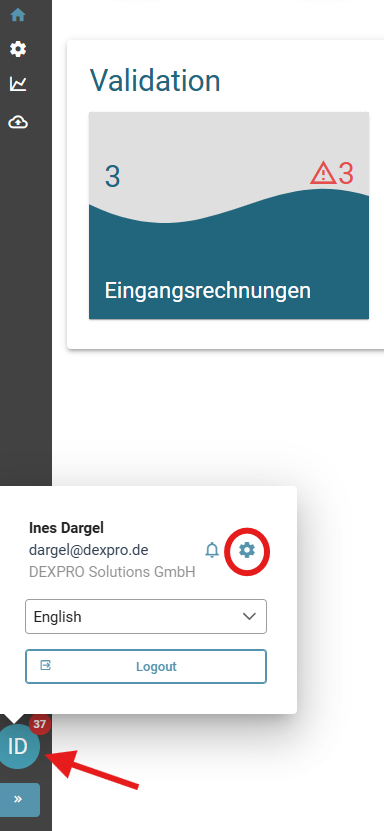
SieYou öffnencan dieopen Benutzereinstellungenthe indemuser Siesettings by clicking on the circle with your initials in derthe Navigationsleistenavigation bar (linkeleft Seiteside derof Benutzeroberfläche)the aufuser deninterface) Kreisand mitthen Ihrenselecting Initialenthe klickengear und dann das Zahnrad nutzen.icon.
EinstellungsmöglichkeitenSetting options
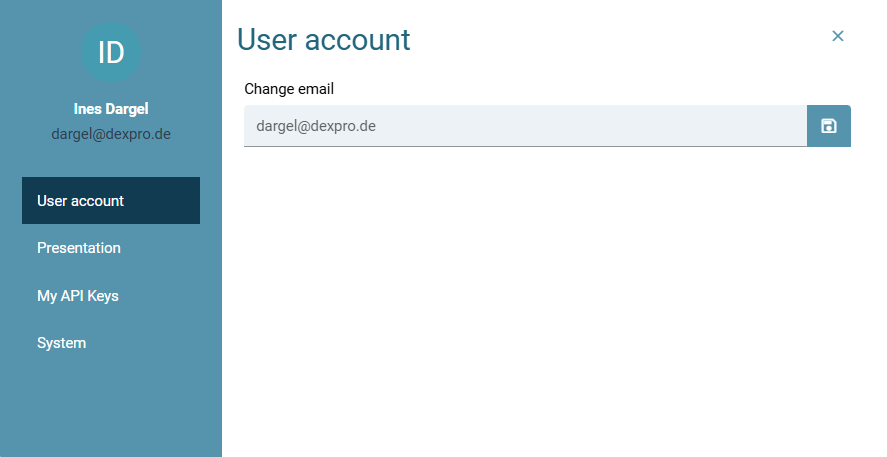
BenutzerkontoUser account
ImYou Reitercan für Benutzerkonto könnenchange Sieyour Ihree-mail E-Mailin ändern.the user account tab.
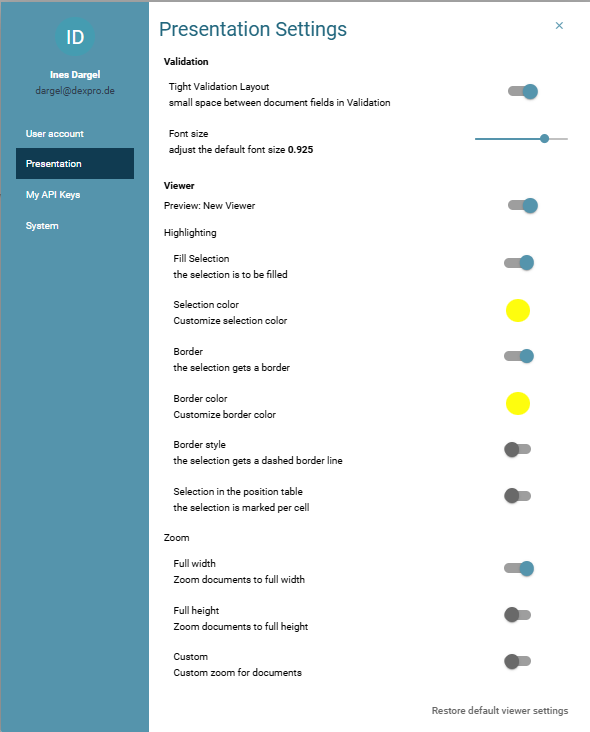
DarstellungPresentation
ImUse Reiterthe für Darstellung könnenbutton Sieto einstellen,specify wiehow unterschiedlichethe Bereicheareas derare Anwendungdisplayed angezeigtin werdenthe sollen.application.
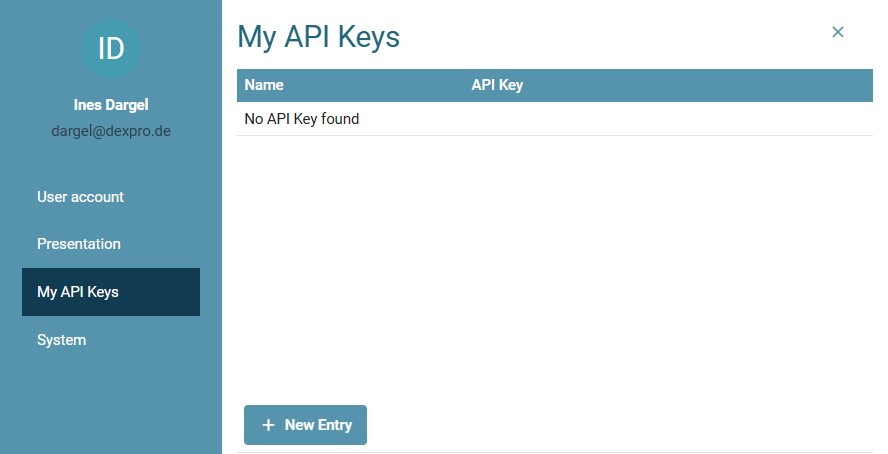
MeineMy API Keys
ImYou Reitercan für Meinecreate, view and copy your API Keys könnenkeys Sieto Ihrethe clipboard in the tab for My API Keys anlegen, sowie einsehen und in die Zwischenablage kopieren.Keys.
System
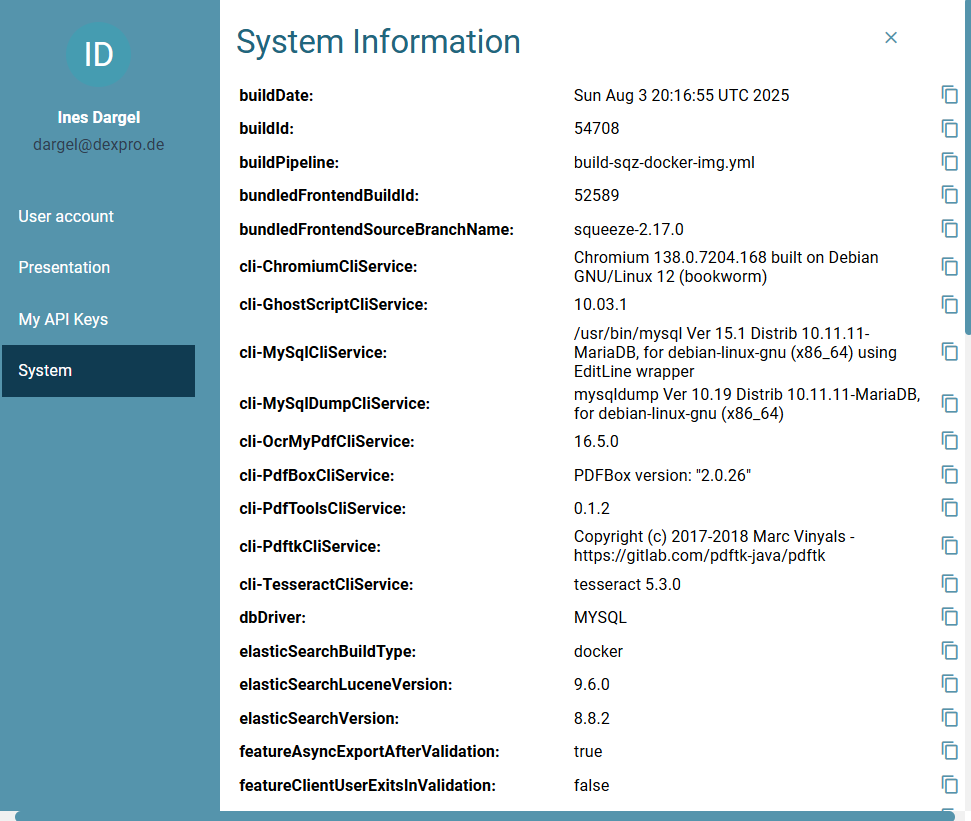
System-System Information
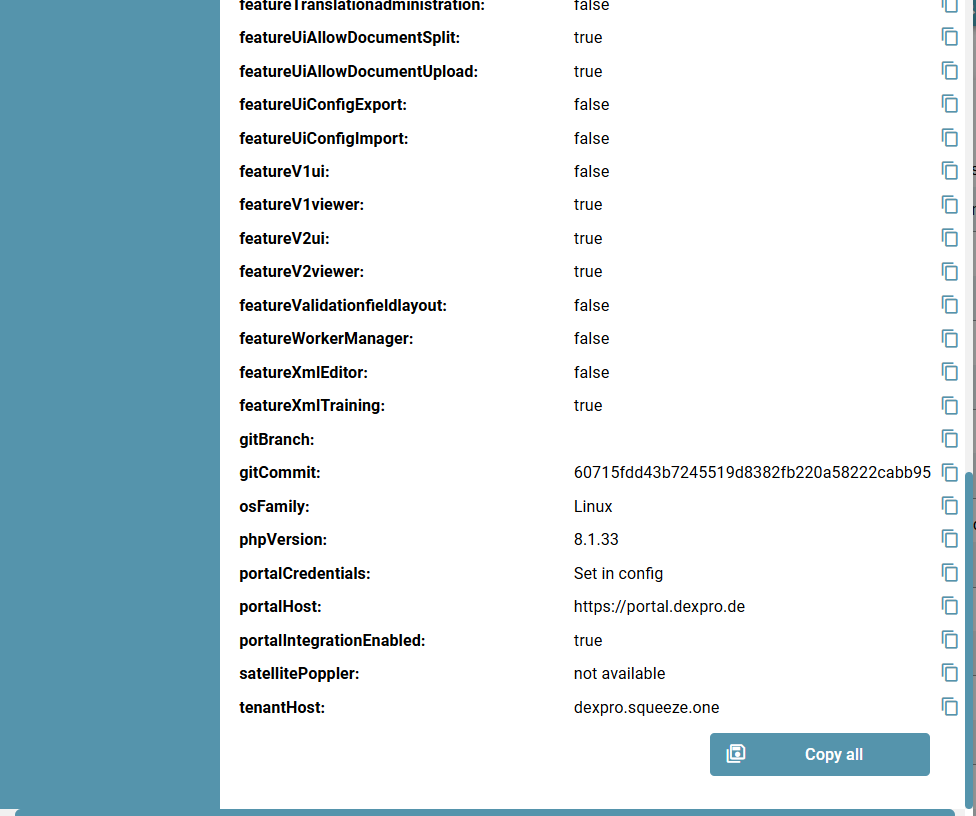
ImYou Reiter System könnencan Siedisplay sichinformation dieabout Informationenyour übersystem Ihrin the System anzeigentab. lassen.This Dazuincludes, gehörenfor bspw.example, diethe Produktversion,product Build-Informationen,version, Informationenbuild überinformation, dasinformation Betriebssystemabout desthe Serversserver's usw.operating system, etc.
MitBy einemclicking Klick aufon "AllesCopy Kopieren"all", könnenyou Siecan diecopy System-Informationenthe gesammeltsystem ininformation ihreto Zwischenablageyour kopierenclipboard undand beisend Support-Ticketsit mitsenden,with umsupport dietickets Bearbeitungto vonhelp Support-Fällenyou zuprocess unterstützen.support cases.