
Squeeze Master Data Tables
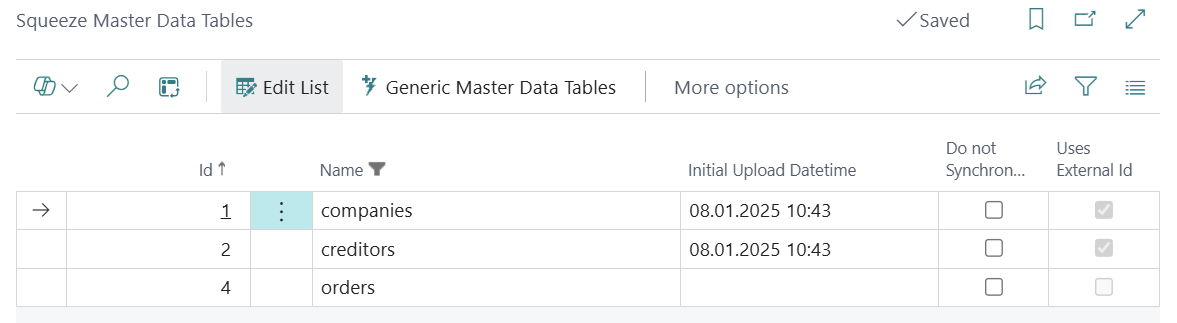
Standard Tables
Unless deactivated, this master data is automatically synchronized with the Squeeze client. It is still necessary to upload the master data initially.
The “Uses external ID” field is supported from Squeeze version 2.13 and allows you to manage Squeeze master data from third-party software. In this case BC.
Generic Master Data Tables
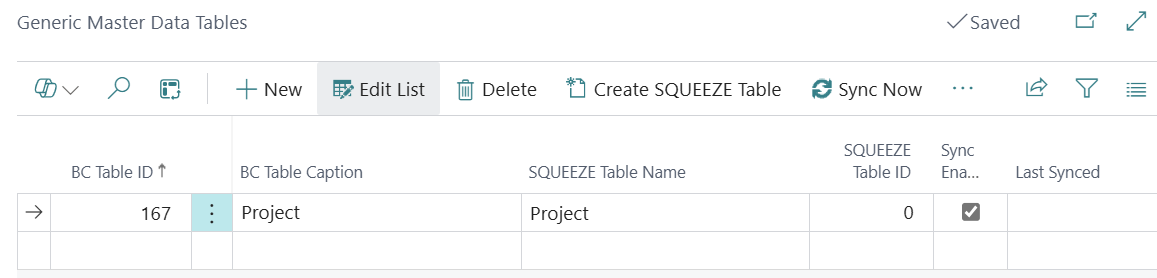
To transfer additional master data to Squeeze, maintain it in the generic master data table setup.
Attachment of the table to be transferred
The table to be transferred is entered in the “BC table no.” field or selected via the drilldown. The name can then be adjusted in the “Squeeze table name” field. The “Synchronization activated” field is used to specify whether this table is currently to be synchronized or not.
Selection of the fields to be transferred
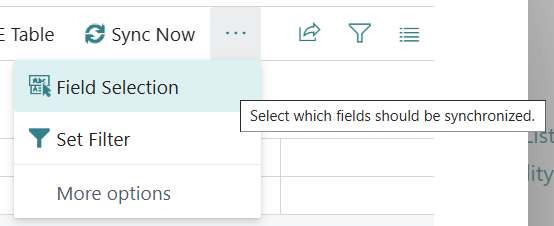
You can access the setup via the “Field Selection” menu item.
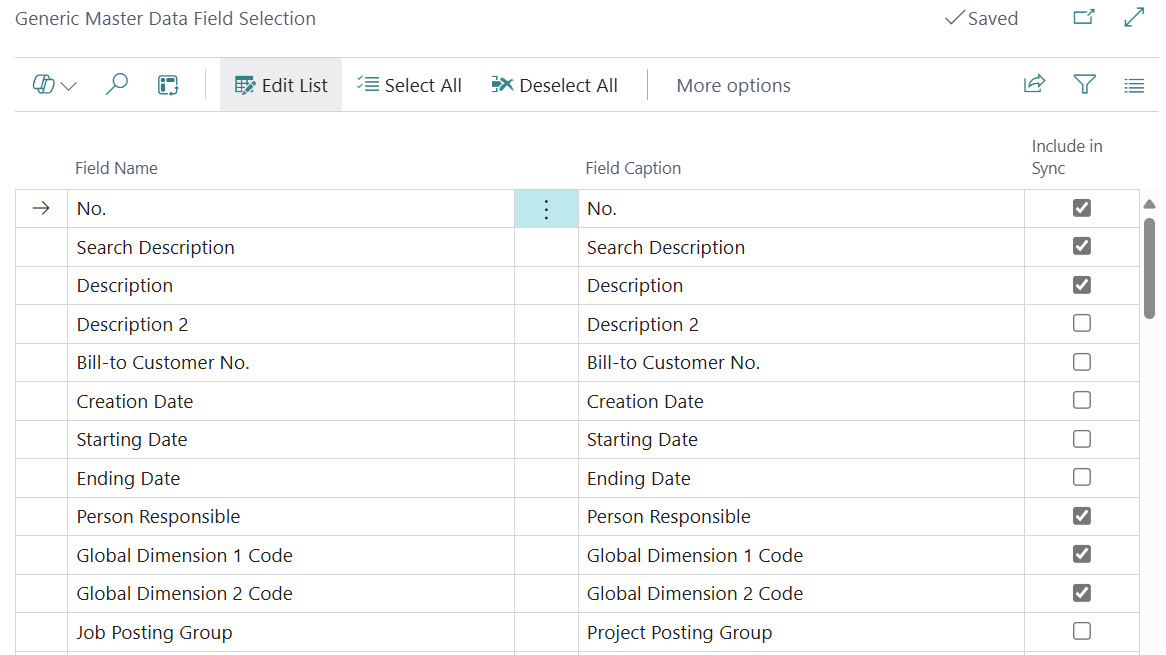
The fields to be synchronized are selected here.
Creation of the Squeeze master data table from BC
Once a BC table has been entered and its fields selected for synchronization, a new squeeze table can now be created from BC. The “Create squeeze table” button is available for this purpose.

After creation, the “Squeeze table ID” field is set in the overview.
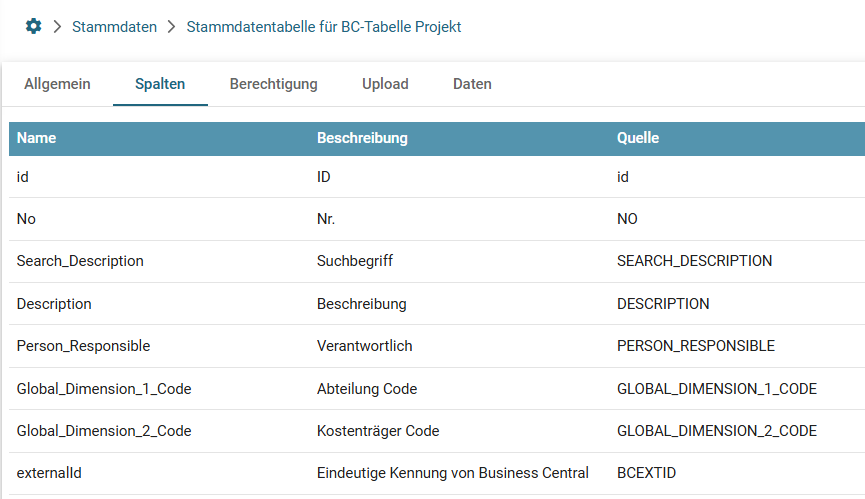
The new table is now available on the squeeze page.

The selected fields have now been automatically created here as columns.
Synchronization of the data
After creating the squeeze table, the user is asked whether a synchronization task should be created.
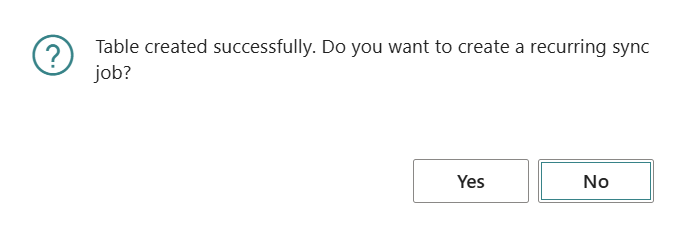
If this is active, the master data is automatically transferred at the set frequency. Alternatively, the master data can also be transferred manually once using the “Synchronize now” button.
Deleting the master data table
When deleting a list entry, you are asked whether the Squeeze master data table should also be deleted.
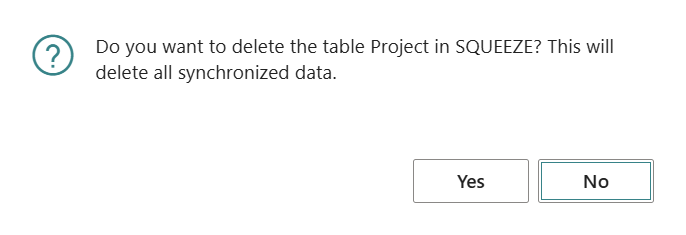
If this is confirmed, the squeeze table created from BC will be irretrievably removed.
Filter Rules
Via the Manage Filter Rules menu item, you can define filters that determine which records from the BC table should be synchronized to SQUEEZE. For example, you can transfer only records of a specific type or with a specific status.
Refresh Columns
If the field selection of a generic master data table has changed, the Refresh Columns action can be used to update the columns in the SQUEEZE table without having to recreate the entire table.
Synchronization Status
For each generic master data table, the time of the last synchronization (Last Synced) and any error text (Last Sync Error) are displayed. This helps with troubleshooting synchronization issues.
Note on "Uses External Id"
The Uses External Id field is supported from SQUEEZE version 2.13 onwards. When enabled, master data in SQUEEZE is managed via an external ID (from Business Central). This enables bidirectional referencing and prevents duplicate creation of master data.