
Working with Electronic Invoices
Sales Documents
Sales Orders and Invoices
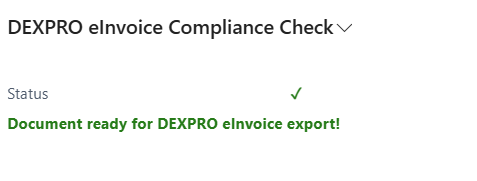
Sales documents such as orders and invoices now have a fact box for the e-invoice conformity check. This informs the user of the following:
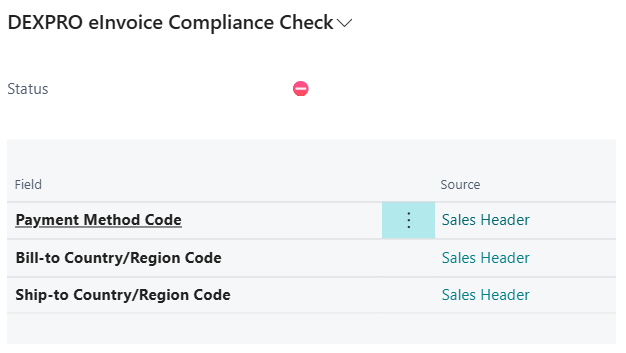
Common Missing Fields:
Posted Sales Invoices
In the Posted Sales Invoices list, you'll see:
New Fields:
- DXP eInvoice Document Sent: Shows if electronic document was sent
New Actions:
- Download DEXPRO eInvoice: Download electronic document
- Email DEXPRO eInvoice: Send electronic document via email
Posted Sales Credit Memos
Similar functionality available in Posted Sales Credit Memos:
- Document status tracking
- Download and email actions
Service Invoices
Electronic invoicing is also available for Service Invoices with the same functionality.
Document Types and Formats
When downloading or emailing documents, you can choose from:
- XRechnung XML: Pure XML format compliant with German standards
- ZUGFeRD PDF: Hybrid PDF with embedded XML data
- XRechnung XML and Standard PDF: Both formats in a ZIP file
Sending Documents
Manual Sending
- Open any posted sales document
- Click Email DEXPRO eInvoice
- Select the desired format
- System automatically:
- Generates the electronic document
- Creates email with appropriate template
- Sends to customer's email address
Automatic Processing
The system can automatically process documents through the Document Queue:
- Documents are queued when posted
- Background processing generates and sends electronic documents
- Status tracking shows processing progress