Master data cannot be synchronized
Checking the squeeze masterdata tables in BC
In the setup for the Squeeze master data tables, you can see which master data tables are to be synchronized or have already been synchronized. You can also deactivate synchronization with Squeeze for individual tables there.
Checking the order synchronization
Orders are not transferred immediately but every 5 minutes by the job queue entry "DEXPRO SQUEEZE - Master Data Synchronisation". A released order can therefore take up to 5 minutes to appear in Squeeze. Check in the job queue entries whether this entry exists and has the status "Ready". If it is missing, create it with the Create Jobs action in the SQUEEZE Setup.
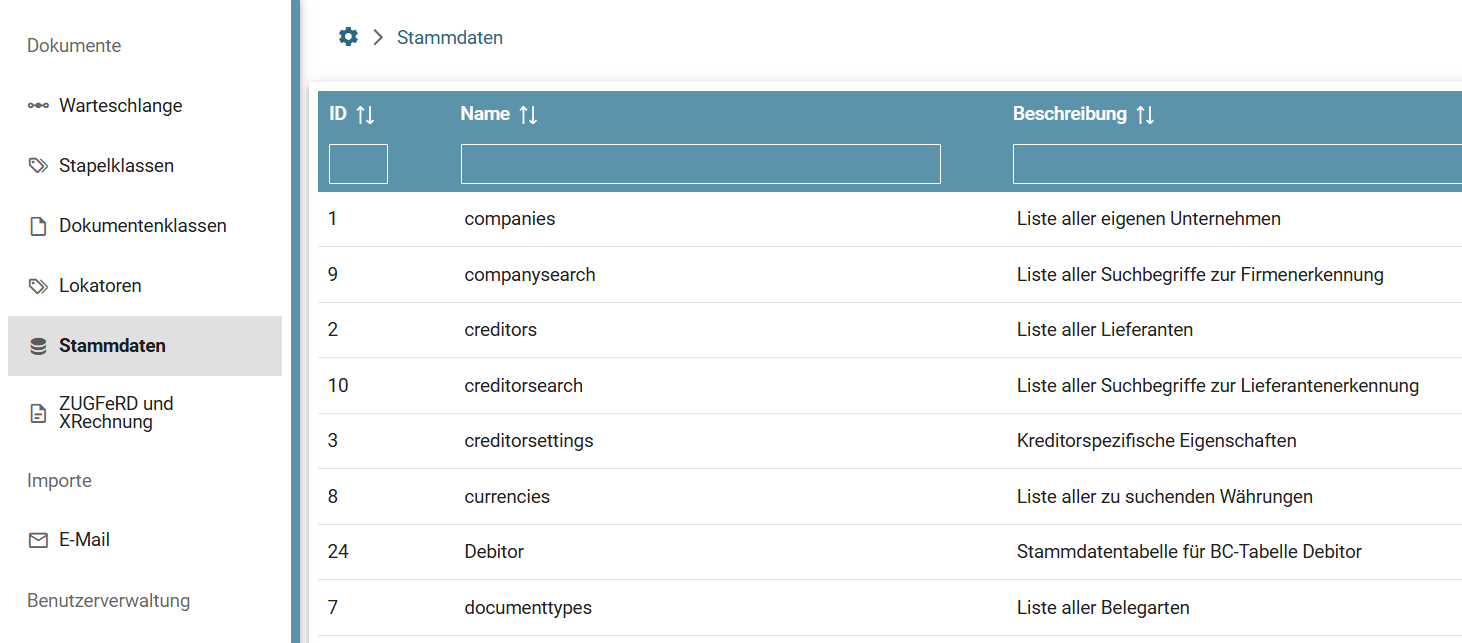
Checking the Squeeze Master Data
On the Squeeze page, you can check whether all master data tables already exist. If any are missing, a 404 error may occur during the synchronization attempt. This is avoided in the latest app version by subsequently creating the table in Squeeze in case of doubt.
Checking the setup
Squeeze Setup
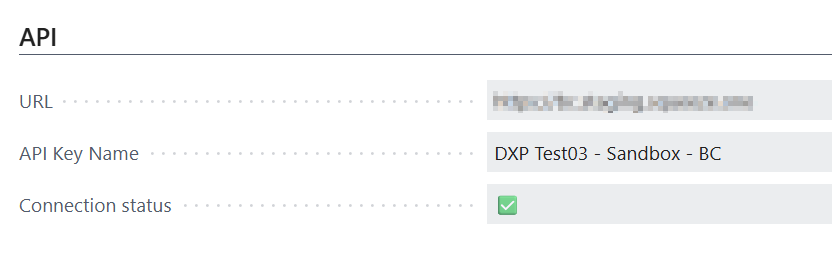
Does the Squeeze URL match? Is the correct squeeze system stored? Check the URL for this.
What is the connection status? Is the tick green? If not, get a current API key.
Has the initial master data upload already taken place?
Document class Setup
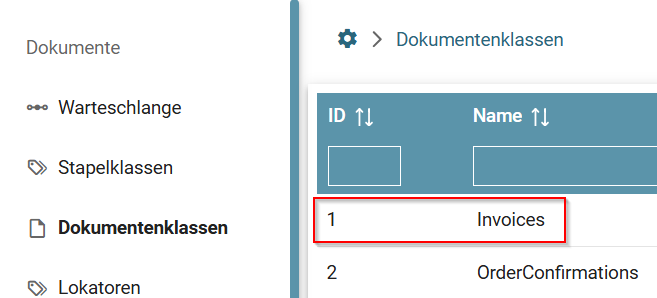
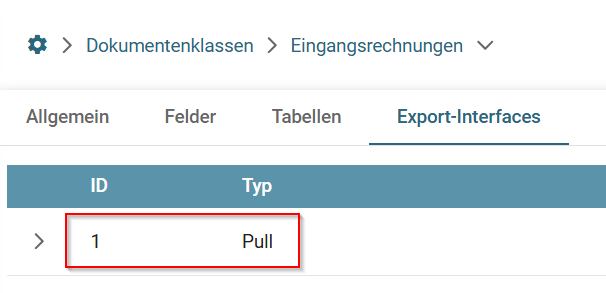
Are the API settings of the document class correct? Please check whether the IDs entered match those on the DEXPRO platform.
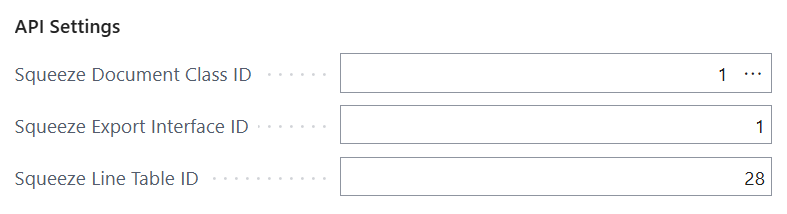
Checking the Documentclass Id
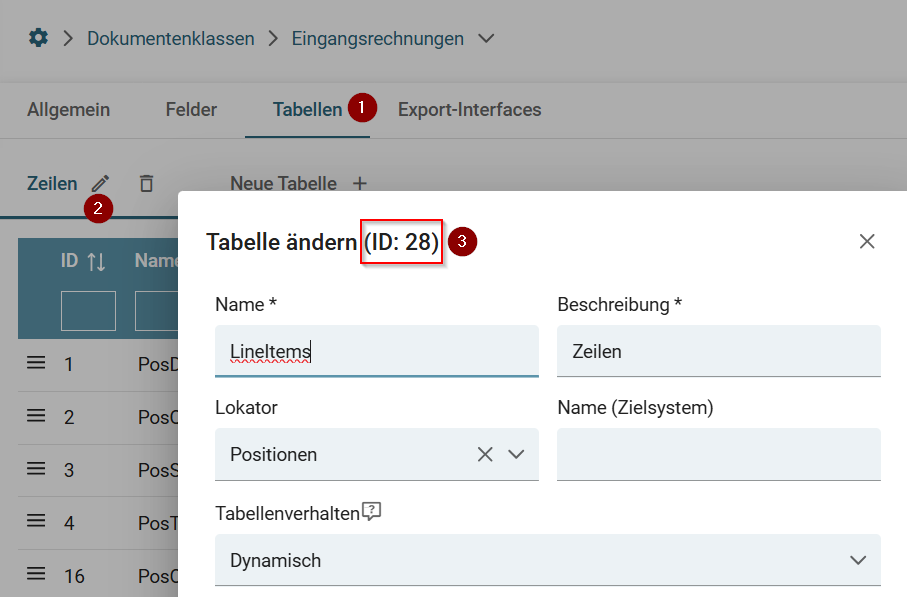
Checking the Export Interface id
Checking the Line Table id