
Document Class Setup
In the document class setup, each document class is configured for processing. The document class setup is cross-app and is managed via the DEXPRO Core; the Breeze Interface adds the settings described below. For the general (cross-app) configuration of document classes, see the Core Document Class Setup page.
General

In this FastTab the name of the document class and the next process step are set up. To route Core documents of this document class into the Breeze app, set Next Process Step to "Breeze Interface". The Breeze settings below only become visible once this next process step is selected.
Breeze

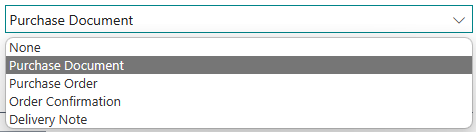
Here you set the Breeze Target Template for this document class. This is the default target template that is used when a Breeze document is created for this document class.
The following are available as standard:
No comments to display
No comments to display